A rough note
Team catch-up Thursday, 10:00. Bring one blocker. Room not confirmed.
Bring a question. Try an idea. Leave with a useful result.
A blank page. A long report. A difficult explanation. Choose something that matters to you.
Use your own idea, or choose a starter from the workshop materials.
Team catch-up Thursday, 10:00. Bring one blocker. Room not confirmed.
Our team catch-up is on Thursday at 10:00. Please bring one blocker to discuss. The room is still to be confirmed.
Ask: “Turn these notes into a short team message. Keep missing details visible.”
Find a pattern, such as a document type.
Estimate a value, such as likely demand.
Create a draft, a visual, or an explanation.
AI is a broad field. These tasks can appear in the same workflow.
An explanation, a summary, or a first draft.
A diagram, a chart, or a designed page.
A document, a spreadsheet, or a slide deck.
Claude reads images you supply. It does not create photos or illustrations like an image generator.
18 of 24 people replied. No reason for the missing replies is recorded.
“80% replied. The others were too busy.”
Find both errors: 18 ÷ 24 = 75%. The reason was invented.
Follow your organization's AI policy and account rules.
Remove personal, client, and confidential details you do not need.
Incognito chats are not saved to history or memory.
Do not share passwords, ID numbers, health records, or confidential client data.
One app for questions and finished work.
New chat, recent work, Projects, and Artifacts.
Type, attach files, or use the + menu.
Choose a model. Use more effort for harder work.
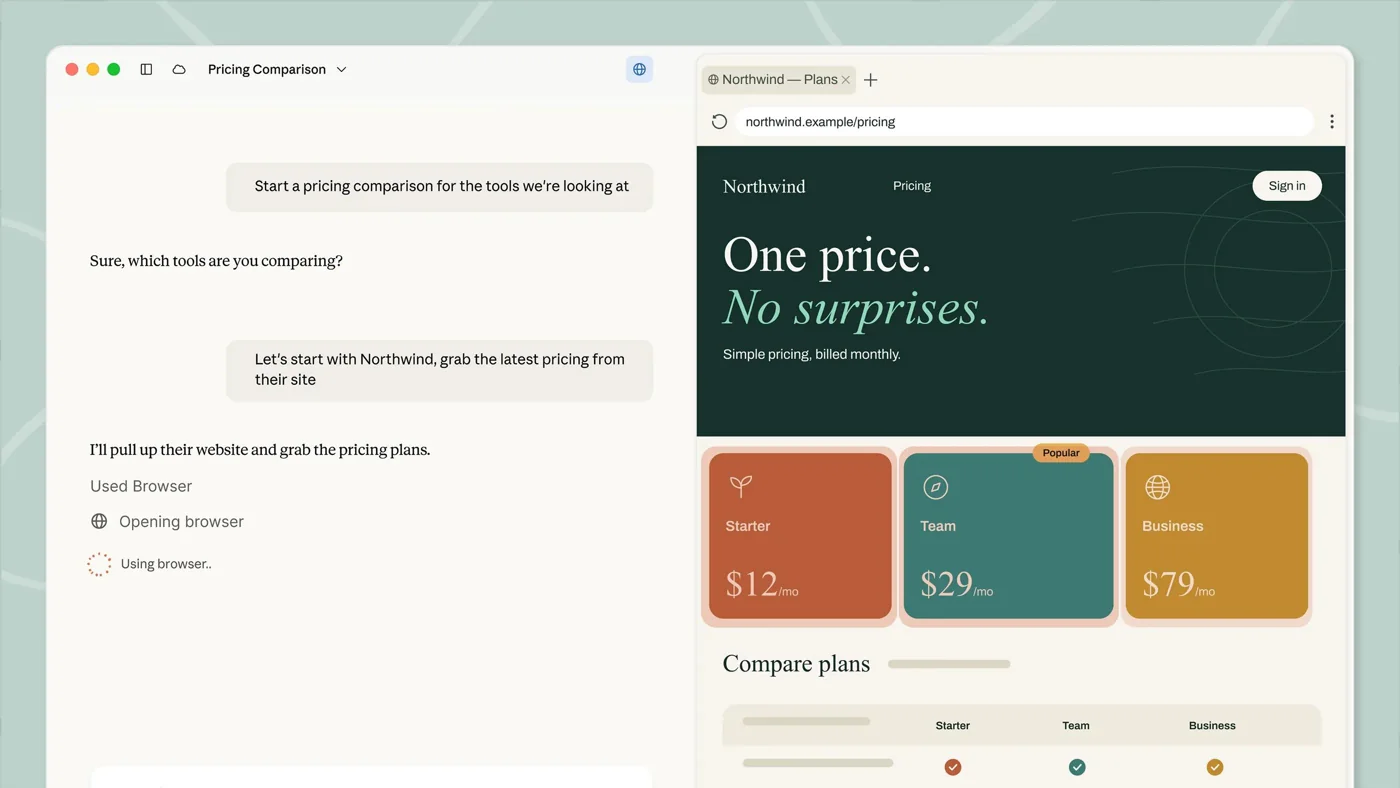
Ask, read the answer, and continue the conversation.
Claude plans, uses files and tools, and puts the result next to the chat.
Chat and Cowork are now one experience. Some accounts still show a switch during the rollout.
Help me with [task]. Here is what I have: [notes or file]. The result is for [audience]. Ask me one question if something important is missing.
Plain language is enough. Add details when they change the result.
Speak instead of typing. Edit the text before you send it.
Talk with Claude and hear the reply. It works best on a phone.
Voice mode is in beta. Check that your organization allows it.
Choose one small task. Ask Claude. Inspect the result.
Pick a task from your work, or a starter prompt.
Send a natural request with the material it needs.
Find one useful part and one detail to check.
Use only sample or approved material.
Make one precise change. Compare the two versions.
Name the parts that already work.
Ask for one clear change, such as length, tone, or format.
Decide which version you would use.
A short, exact follow-up usually works better than a new request.
Share one request that helped. Save it for tomorrow.
Complete the start self-check. You will repeat it on Day 5.